
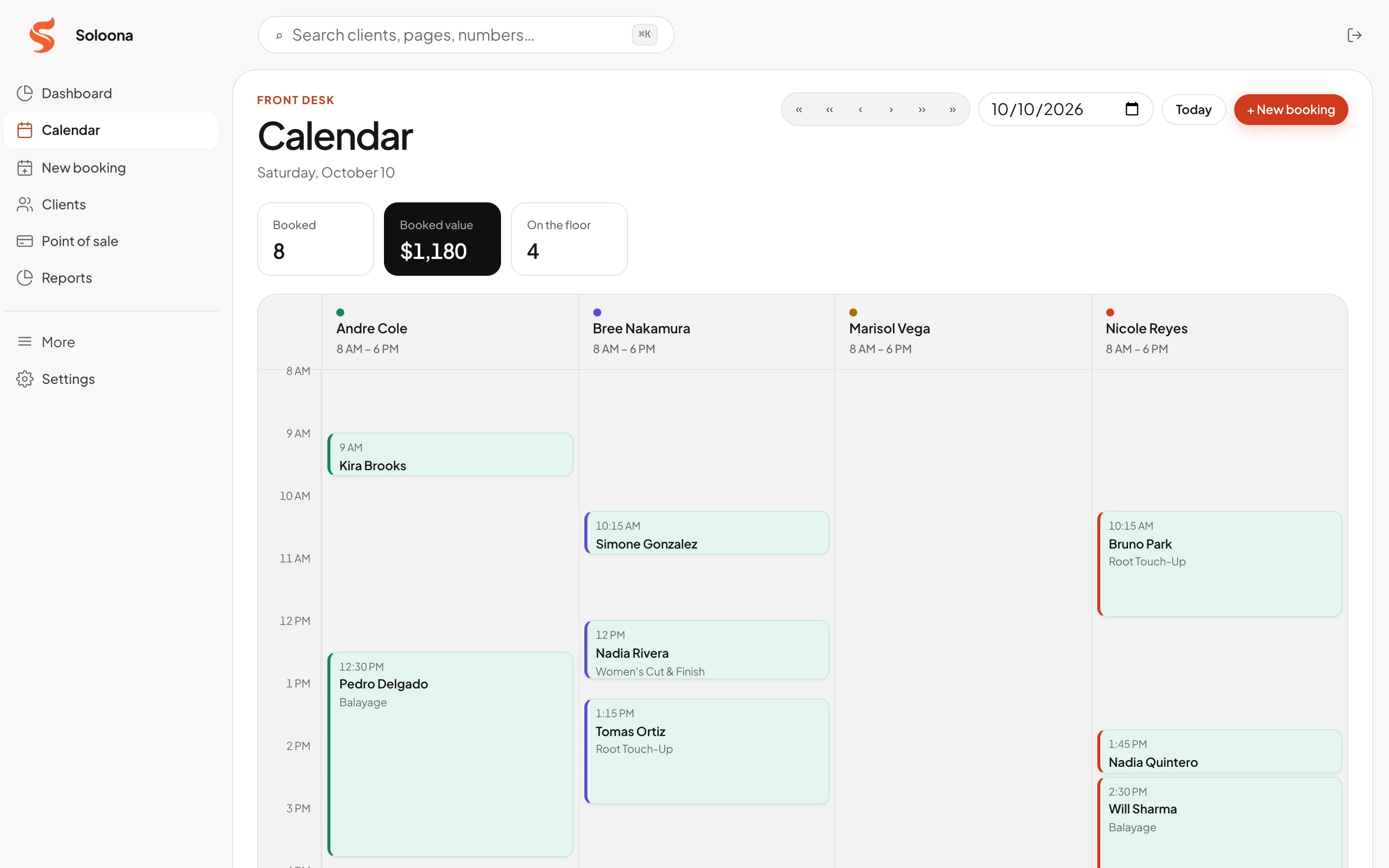
Booking & Calendar Included in every plan
The Soloona toolkit
Your book, your clients, your checkout. A little less work between appointments.
Booking & Calendar Included in every plan
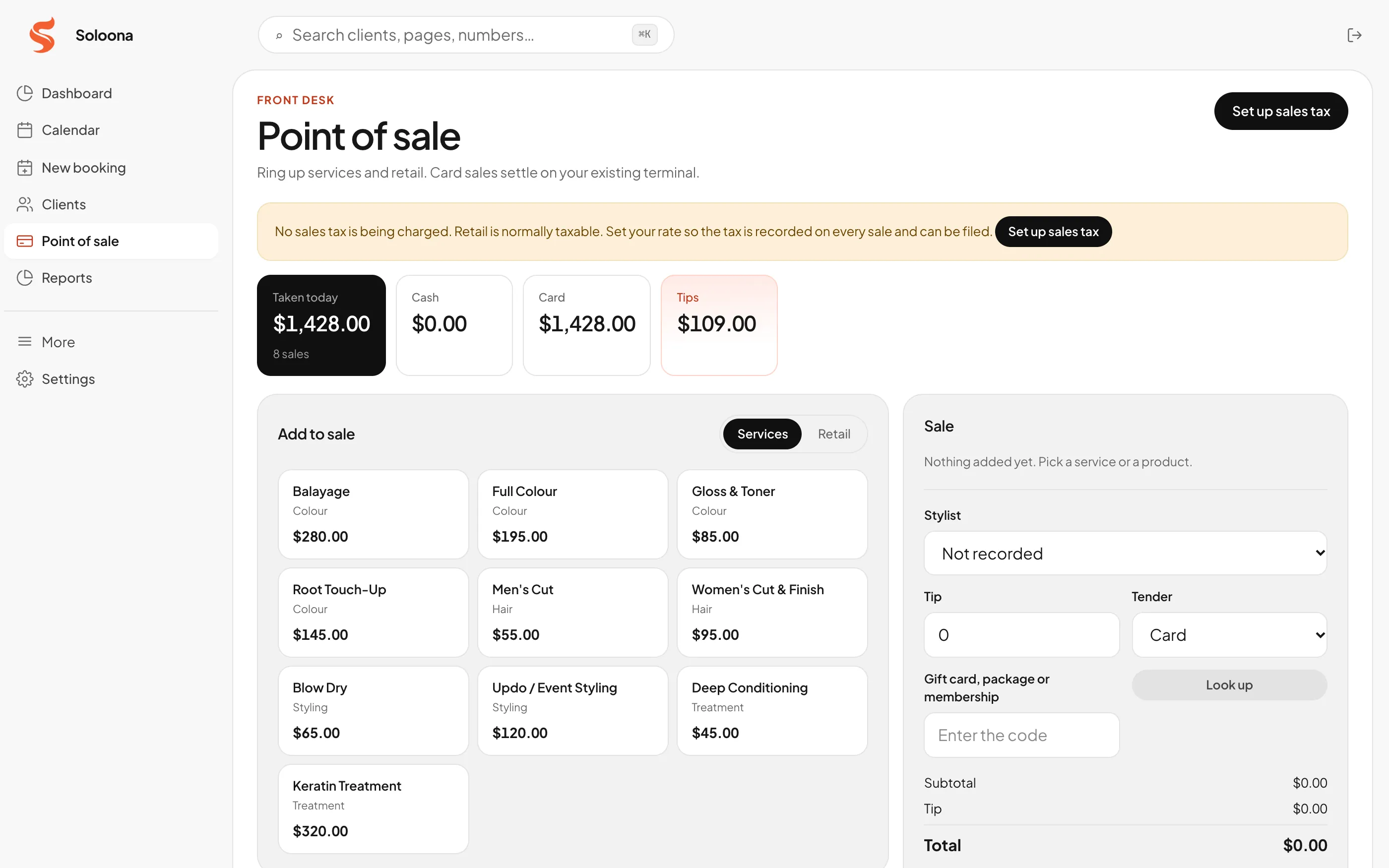
Point of Sale Included in every plan
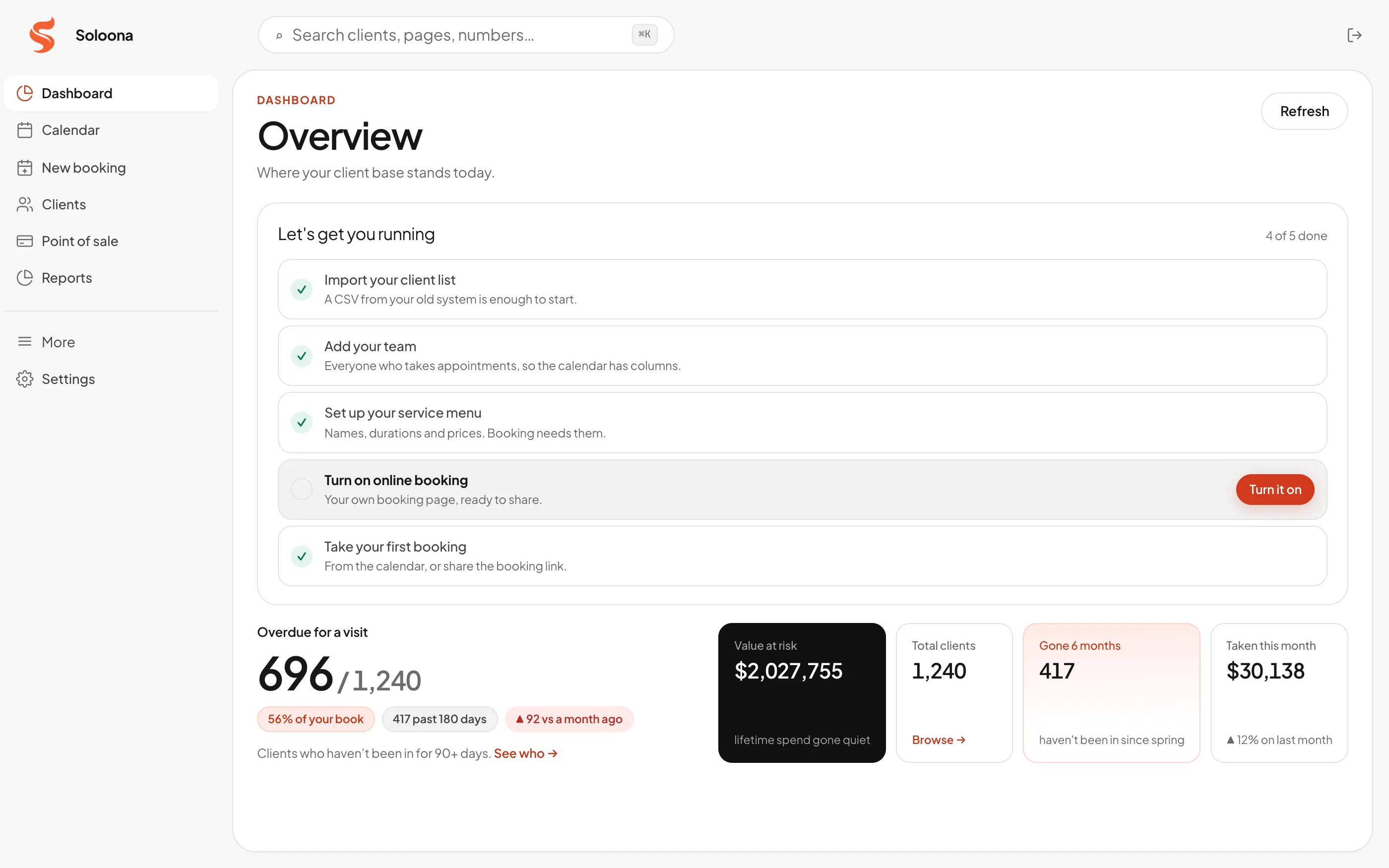
Reporting Included in every plan
Online booking · Every plan
Share your business’s booking link on your website, social profiles or in a message. Clients choose a service, a team member and an available time, without creating an account.
Publish, copy or pause your link in Settings Your booking link. Email confirmations require configured and verified delivery. Work Gmail and scheduled email reminders are limited to separately approved test accounts. Text messaging is not currently available.
The details, taken care of
Sales update your stock. Reorder alerts catch the low shelf.
Last visit, visit frequency and spend, in one client record.
Bring a spreadsheet. Check the preview. Keep your clients.
Today, calendar and clients on iPhone. Not in the App Store yet.
Your front desk companion · Live now
Ask Juno about Soloona right here. In your signed-in CRM, ask about your calendar, clients and stock, get help with everyday tasks, or create a report. Every proposed change waits for your approval.
Work Gmail with Juno: permissions and controls
Starter includes 100 questions a month; Pro includes 1,000. Premium has no monthly cap, with fair usage of 300 questions per day. Your allowance is shared across your business and locations.
Meet Juno in the CRM
Premium · One business, more room
Run your business across multiple locations with one subscription. Owners can switch between locations; staff work in their assigned location.
Create and switch locations in Settings Business locations. Juno usage is shared across the whole business.
Compare the plansStarter: 2 CRM login seats, 1 location. Pro: 5 CRM login seats, 1 location. The owner counts as one seat. Calendar staff entries are separate from login seats.
Coming next
Client messaging is coming soon. Here’s a preview.
A direct Google review link after the appointment.
A gentle return invitation when a client goes quiet.
Pick a segment. Check consent. Send with purpose.
Birthday notes and service nudges, inside your chosen hours.


Your book, clients and stock, one conversation away.
I’m Juno. Ask me about Soloona, plans or setting up your salon. I’ll help you find the right next step.